Start Screen
Tip
This article covers Uno-specific information for the Windows.UI.StartScreen namespace. For a full description of the feature and instructions on using it, see Windows.UI.StartScreen Namespace.
- The
Windows.UI.StartScreennamespace provides classes for creating and managing app jump lists.
JumpList & JumpListItem
JumpList is implemented on Android and iOS. On tvOS, WebAssembly, and the Skia desktop heads (Windows, macOS, and Linux), JumpList.IsSupported() returns false and the remaining members are not implemented.
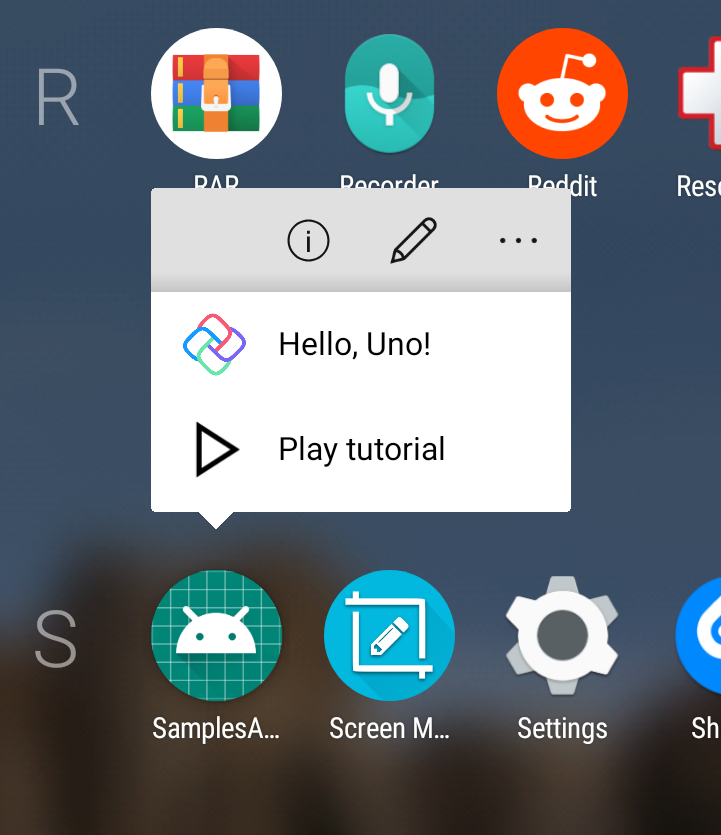
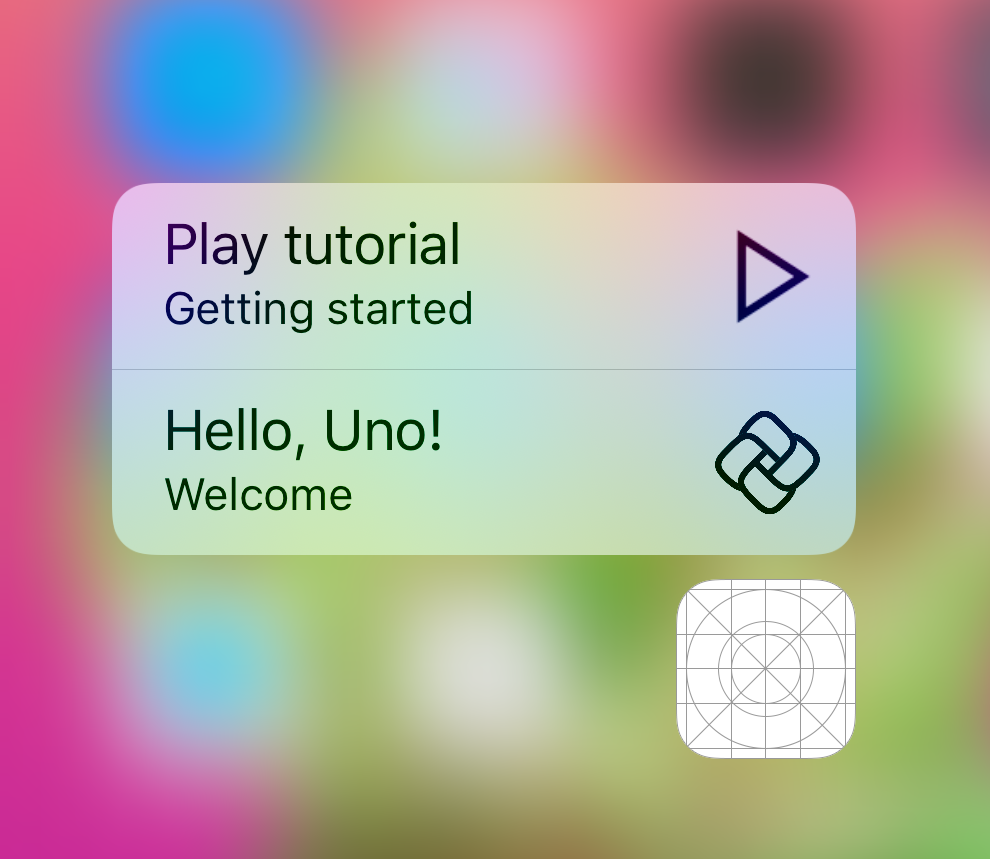
JumpListItem supports DisplayName, Description, Arguments, and Logo properties on both Android and iOS.
DisplayName may not be empty on Android and iOS - this behavior differs from WinUI. If left empty, a single space will be used instead.
Logo property can be initialized only with ms-appx:-based images. This behavior matches WinUI and actually matches native support on both platforms as well.
The API supports interoperability with native "app shortcuts". This means items you add using the native API instead of JumpList API will not be overwritten by JumpList and will appear first in the list of shortcuts. These non-Uno shortcuts will not be accessible in the JumpList.Items collection. To identify Uno-specific app shortcuts, a UnoShortcut key is used and set in ShortcutInfo.Extras on Android and UIApplicationShortcutItem.UserInfo on iOS.
Note the order of shortcut items on iOS is reversed. This is the default system, but you can write a platform-specific snippet that reverses the list before saving to have the same top-down order as on Android and WinUI. iOS also limits the number of items that can be displayed at the same time (for example, 4 on iPhone 6 Plus), this is device-specific.
Handling a JumpListItem activation
Tapping a jump list item activates the app with the item's Arguments, reported as an
ExtendedActivationKind.Launch activation. Read it from
Microsoft.Windows.AppLifecycle.AppInstance — at startup with GetActivatedEventArgs(), and while the
app is already running from the Activated event:
private void HandleActivation(AppActivationArguments args)
{
    if (args.Kind == ExtendedActivationKind.Launch &&
        args.Data is Windows.ApplicationModel.Activation.LaunchActivatedEventArgs launch &&
        !string.IsNullOrEmpty(launch.Arguments))
    {
        // launch.Arguments is the JumpListItem.Arguments of the item that was tapped
    }
}
On a cold start the same value also reaches App.OnLaunched as LaunchActivatedEventArgs.Arguments.
OnLaunched runs once, when the app launches, so it is not called again for an item tapped while the app
is already running — that is what AppInstance.Activated is for. See
Custom protocol activation for a complete App.xaml.cs wiring
both entry points.
Jump list activation is delivered on Android and iOS. tvOS has no home screen shortcut items, and the desktop heads have no jump list.
Example