Fluent-styled controls
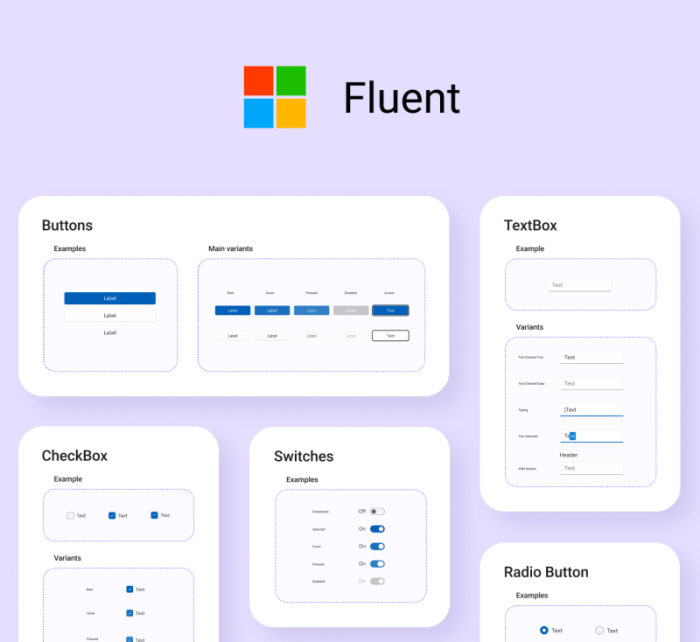
Uno Platform supports control styles conforming to the Fluent design system, the default design system of WinUI. The details below explain how to use them in your app.
Enabling Fluent styles
The Uno Platform uses the same mechanism as WinUI to enable Fluent styles: add the XamlControlsResources resource dictionary to your application resources inside App.xaml. The resources are part of Uno Platform itself, so no additional package is required.
Apps created from the Uno Platform templates already load XamlControlsResources. If your app does not, add it to the application resources:
<Application>
    <Application.Resources>
        <!-- Load WinUI resources -->
        <XamlControlsResources xmlns="using:Microsoft.UI.Xaml.Controls" />
    </Application.Resources>
</Application>
Or, if you have other existing application-scope resources, add XamlControlsResources at the top (before other resources) as a merged dictionary:
<Application.Resources>
    <ResourceDictionary>
        <ResourceDictionary.MergedDictionaries>
            <!-- Load WinUI resources -->
            <XamlControlsResources xmlns="using:Microsoft.UI.Xaml.Controls" />
            <!-- Other merged dictionaries here -->
        </ResourceDictionary.MergedDictionaries>
        <!-- Other app resources here -->
    </ResourceDictionary>
</Application.Resources>